Distraction Guard
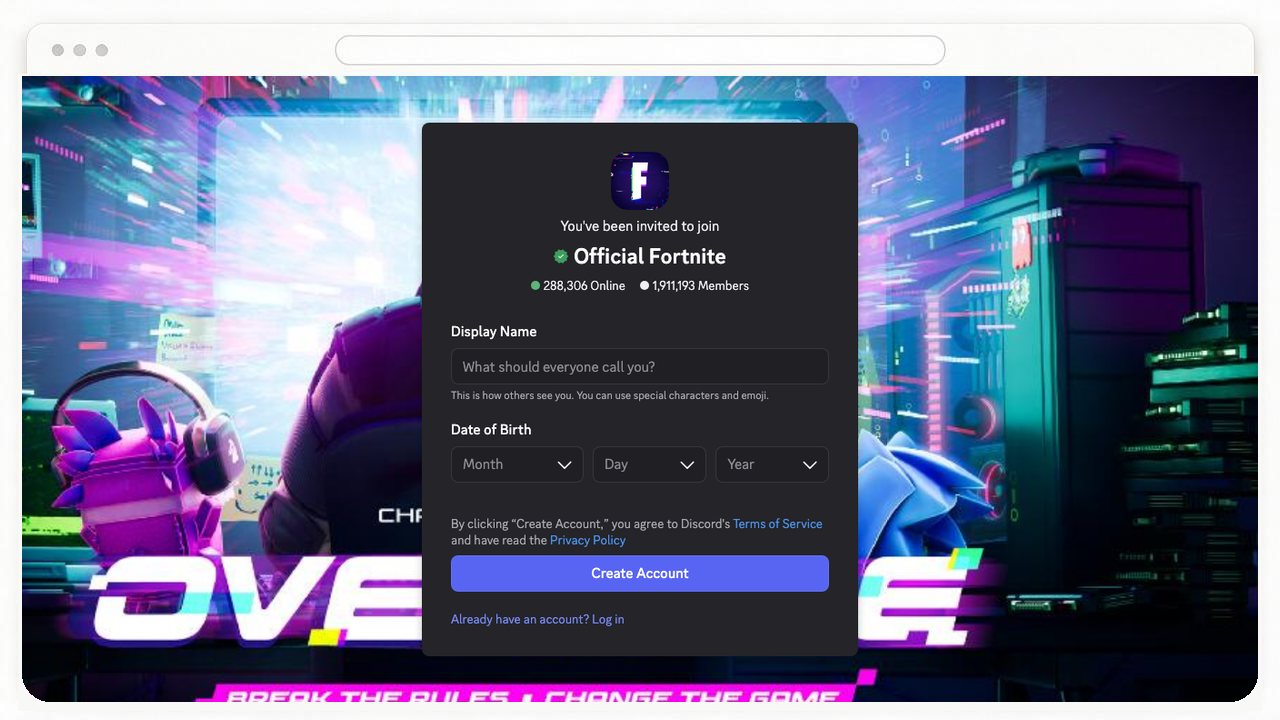
“Block gaming, pranks, and reaction videos.”
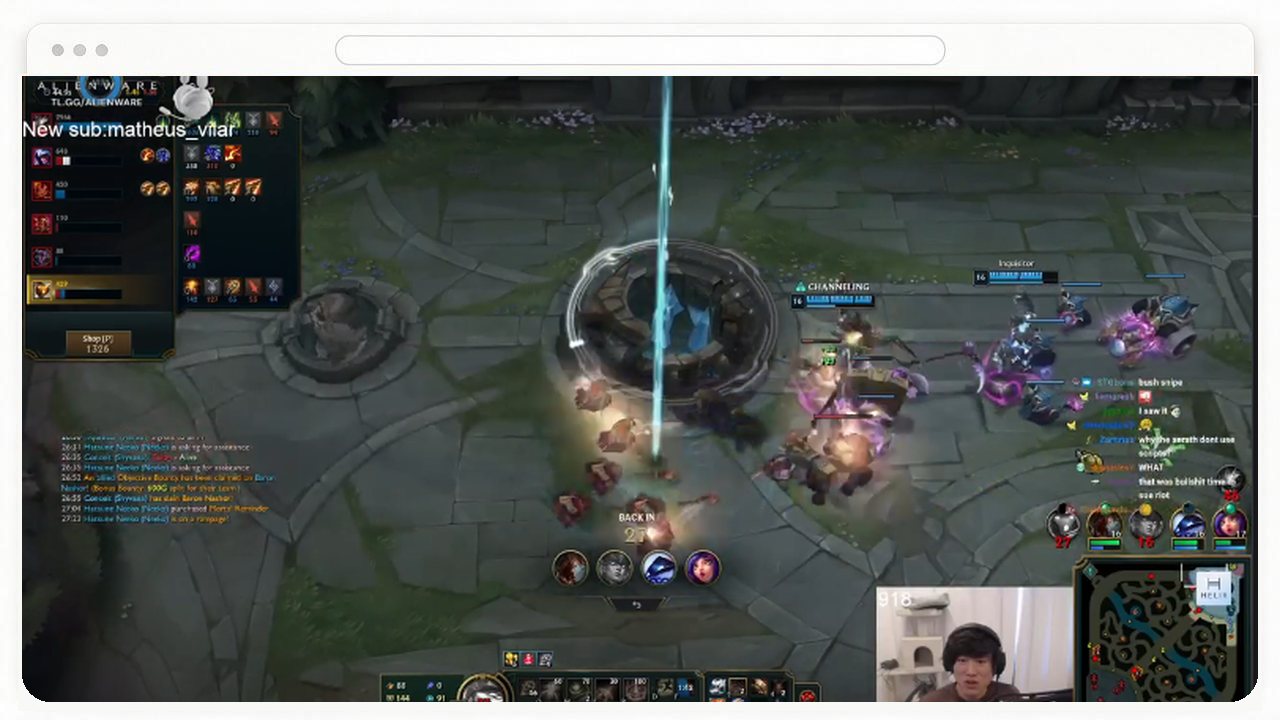
A block list only covers the sites you already know, and a site you need can still have pages you don't. Write a goal, and AImKeeper checks the page in front of you and covers it when it doesn't fit.
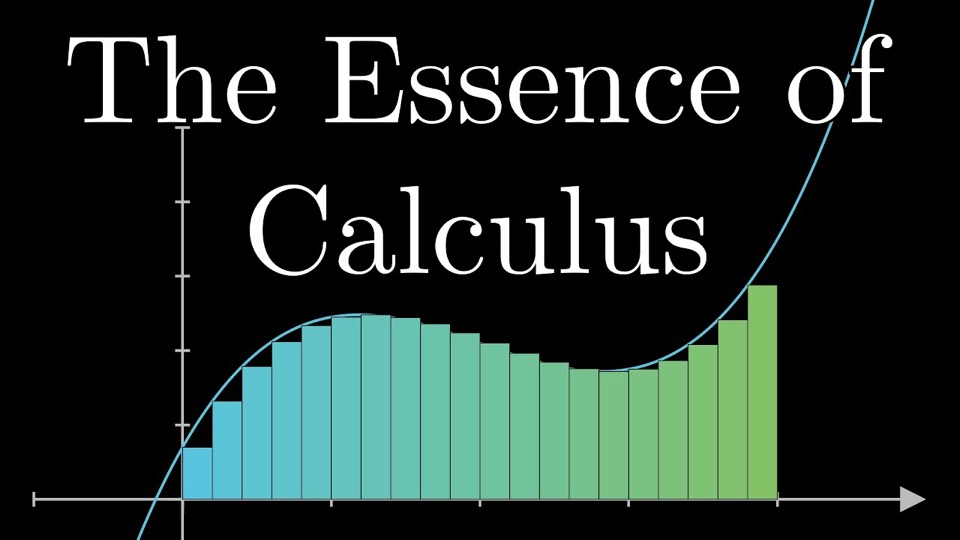

Most blockers work from a list, and a list only stops what you thought to add. New sites slip through, and blocking a whole site takes the useful parts down with it.
An agent-powered blocker can inspect what you're consuming and check it against the goal you've set for yourself. Tell AImKeeper what you're working on, and it keeps lectures, docs, and research open while covering the feeds and videos that pull you off track.
For sites you never want to visit, AImKeeper also includes a comprehensive suite of traditional blocking tools: block an entire domain, target a specific URL or section, or remove in-page distractions such as YouTube recommendations. See all features.
AImKeeper goes beyond productivity. Its agent-powered design is designed to enforce any online boundary you can describe.
“Block gaming, pranks, and reaction videos.”
“Cover NSFW and anything suggestive.”

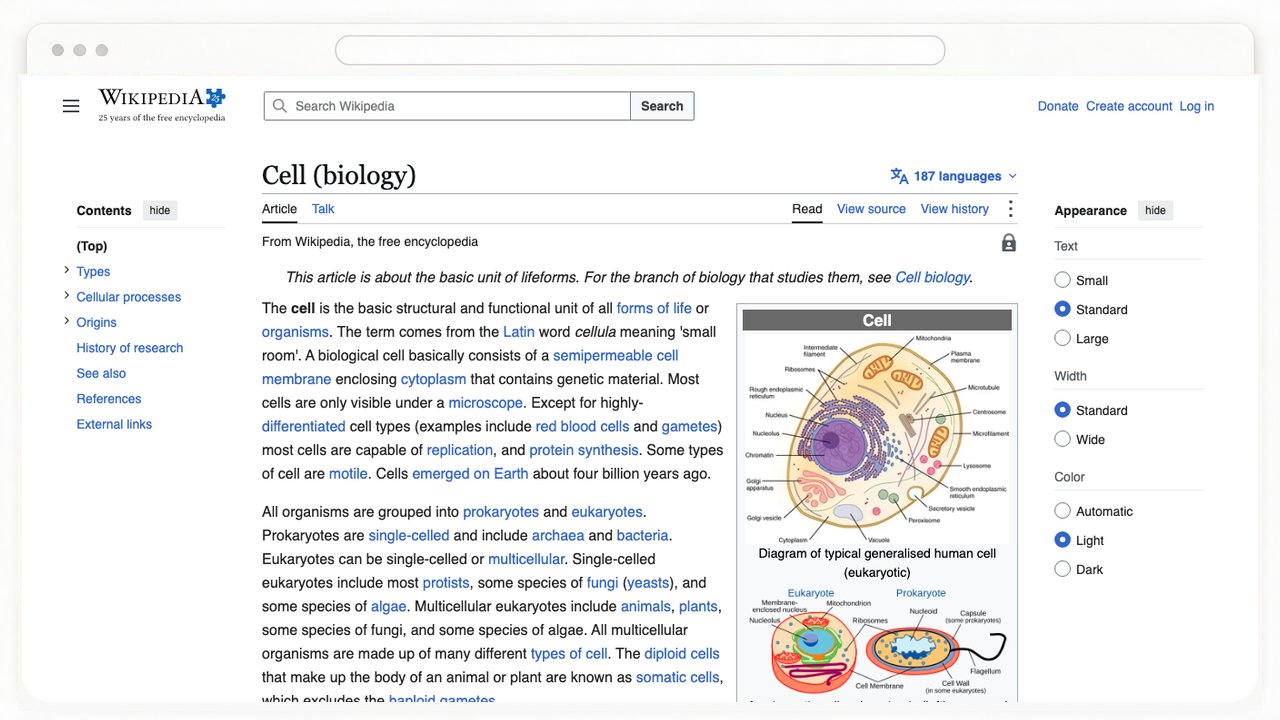
“Only my biology assignment. Nothing else.”
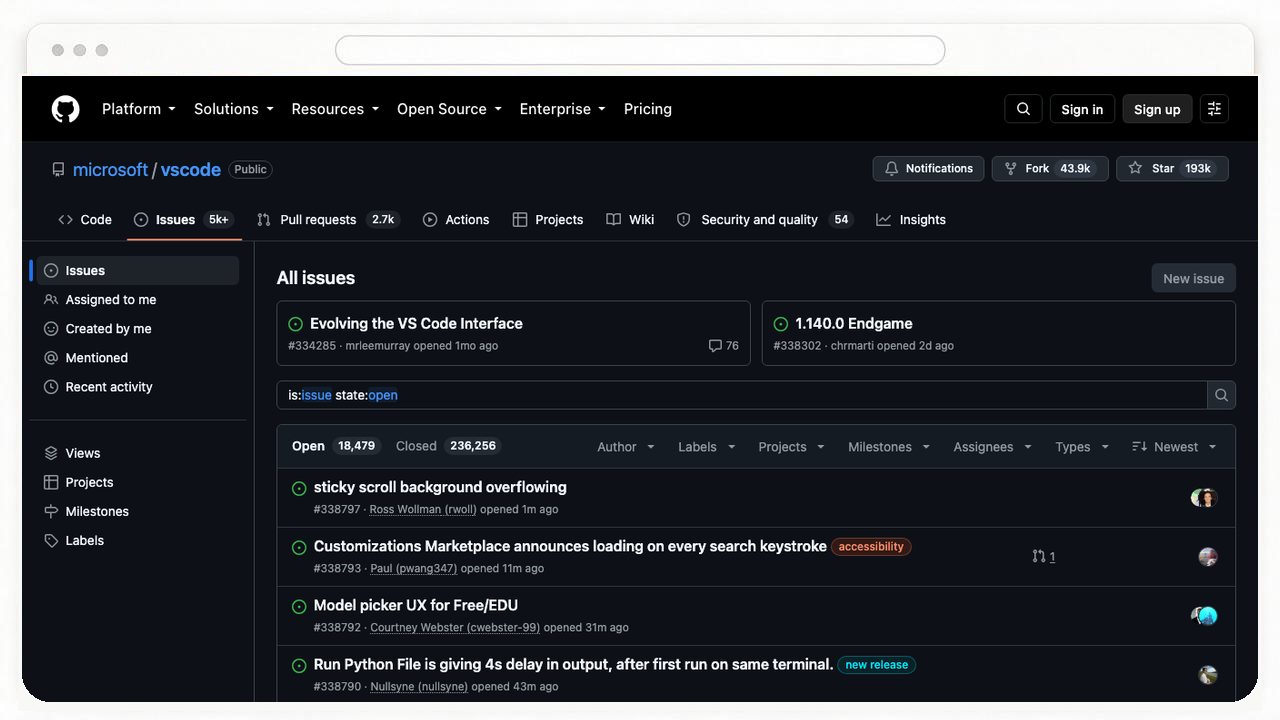
“Docs, tickets, and research stay open.”
“Pause the news, the outrage, and the gossip.”
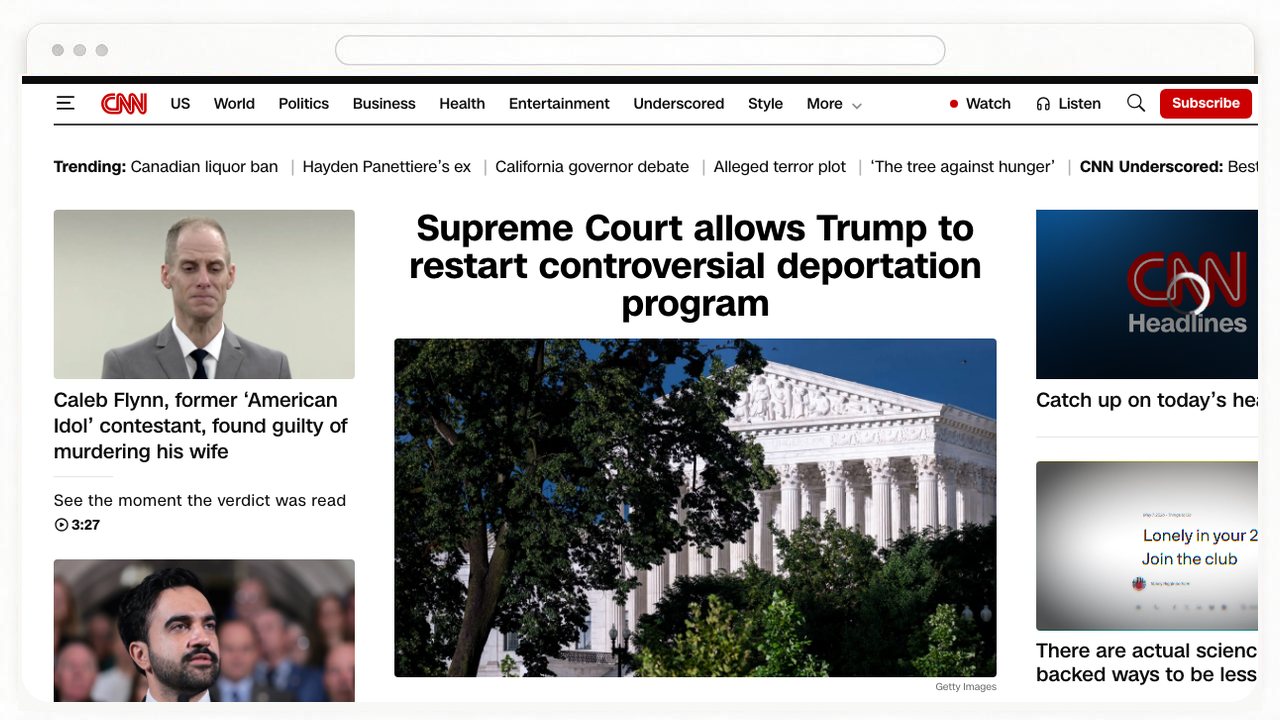
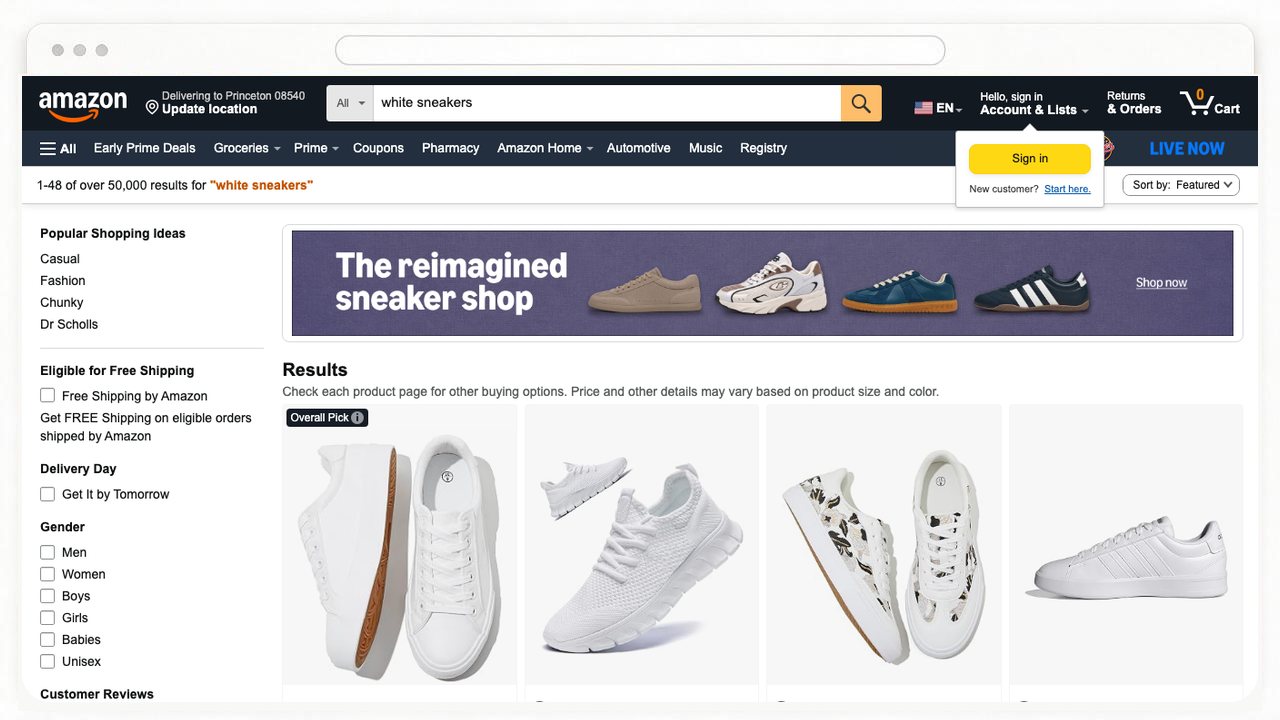
“Close the stores, the deals, and the hauls.”
“Only what's appropriate for kids.”
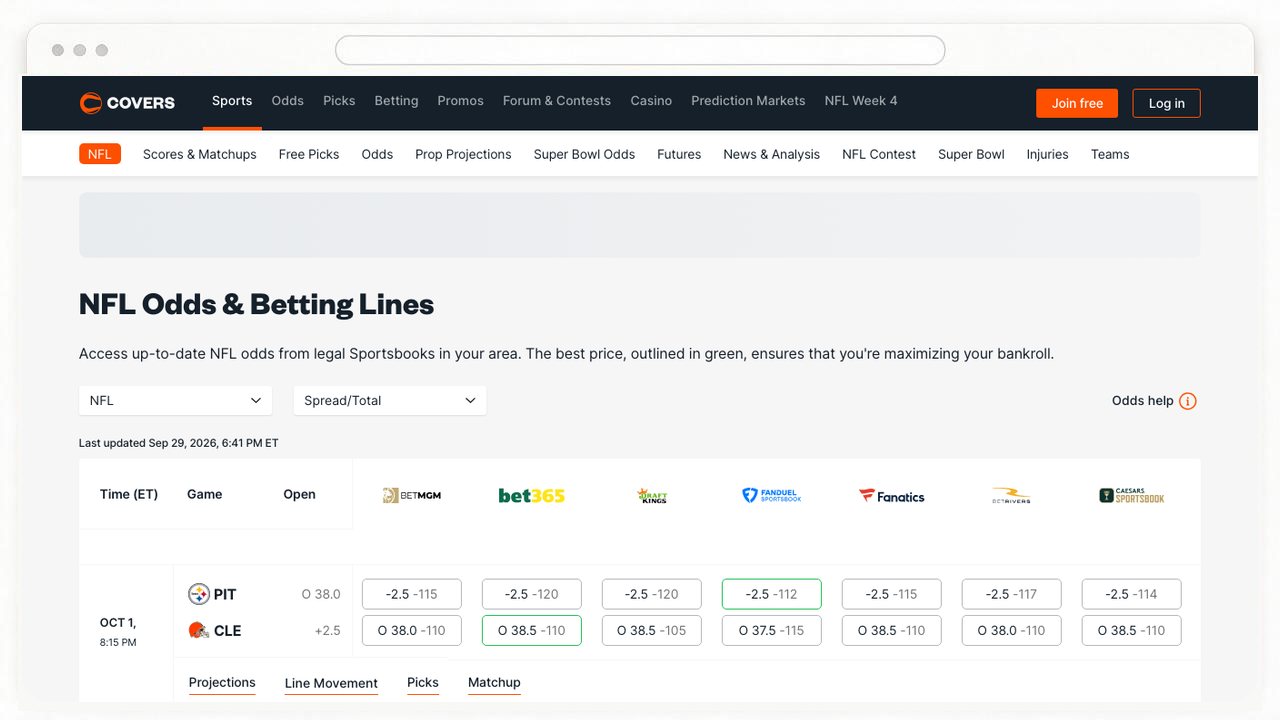
“Cover gambling, betting, and chart-checking.”
Yes. Add it from the Chrome Web Store, or add it from the Microsoft Edge Add-ons.
Traditional blocking tools are free and don't require an account. Agent-powered monitors need a sign-in and a subscription, starting with a 7-day free trial. See pricing.
Yes. Sign in with the same Google or email account in each browser profile. You don't need a separate subscription for every profile.
Yes. Open your browser's extensions page, click Details on AImKeeper, and turn on allow in Incognito or InPrivate.
A Monitor checks the page on a short interval, and the model takes a moment to decide. Together, that can add up to about 20 seconds before a page is covered.
Only pages on sites you've added to a Monitor. For those, it sends a screenshot of the visible tab, the address, the title, and your goal to get a decision, and AImKeeper doesn't store any of it. The browser asks for site access only when you turn a Block or Monitor on. Read the Privacy Policy.